 mobiCut
Docs › Cut and time
Segment details
Tap the ⓘ on the selected segment to see exactly what it covers and how it ends up in the finished video.
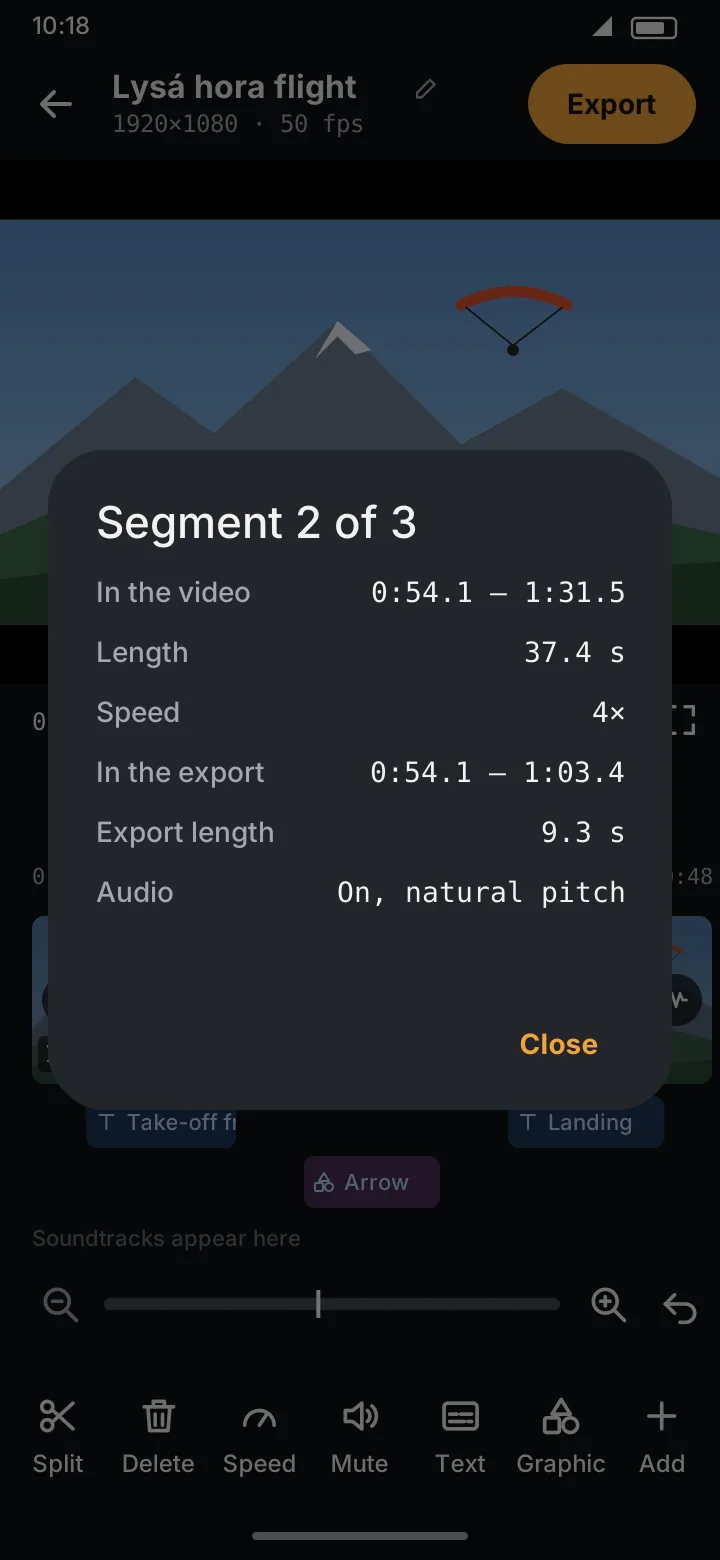
| Row | Meaning |
|---|---|
| Video / Picture | Which file it comes from (with several videos or a picture) |
| In the video | Start and end in its original video |
| Shown | For a picture: which part of the picture's duration this segment shows |
| Length | Its length in the original |
| Speed / Effect | Its speed, or a picture's effect |
| In the export | Start and end in the finished video, or Deleted |
| Export length | How long it lasts in the finished video |
| Audio | On, On, natural pitch (sped up or slowed down), Muted (you muted it) or Muted (8× and above). Not shown for pictures. |
| Texts | How many texts touch this segment, if any |
For a deleted segment the dialog has a Restore button.
Pictures and whole videos
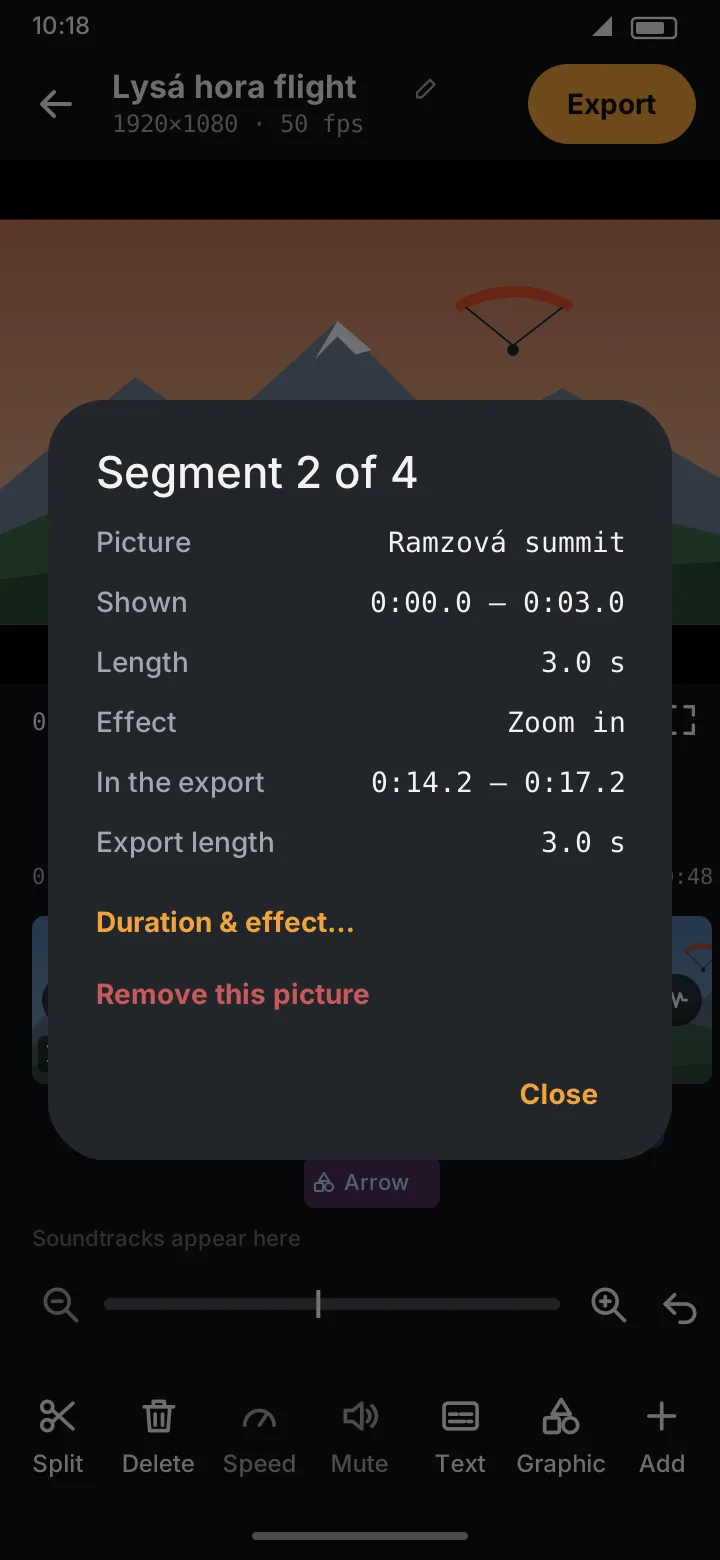
- Duration & effect… (pictures): opens the picture settings.
- Remove this picture / Remove this whole video: takes the whole file out of the project, all its segments and the texts on it, after you confirm. Undo brings it back. Shown when the project has more than one video or picture; the last one can't be removed.