 mobiCut
Docs › Cut and time
Split a video into segments
A segment is a part of the video that you can delete, speed up or slow down on its own. A new project is one segment; splitting creates more.
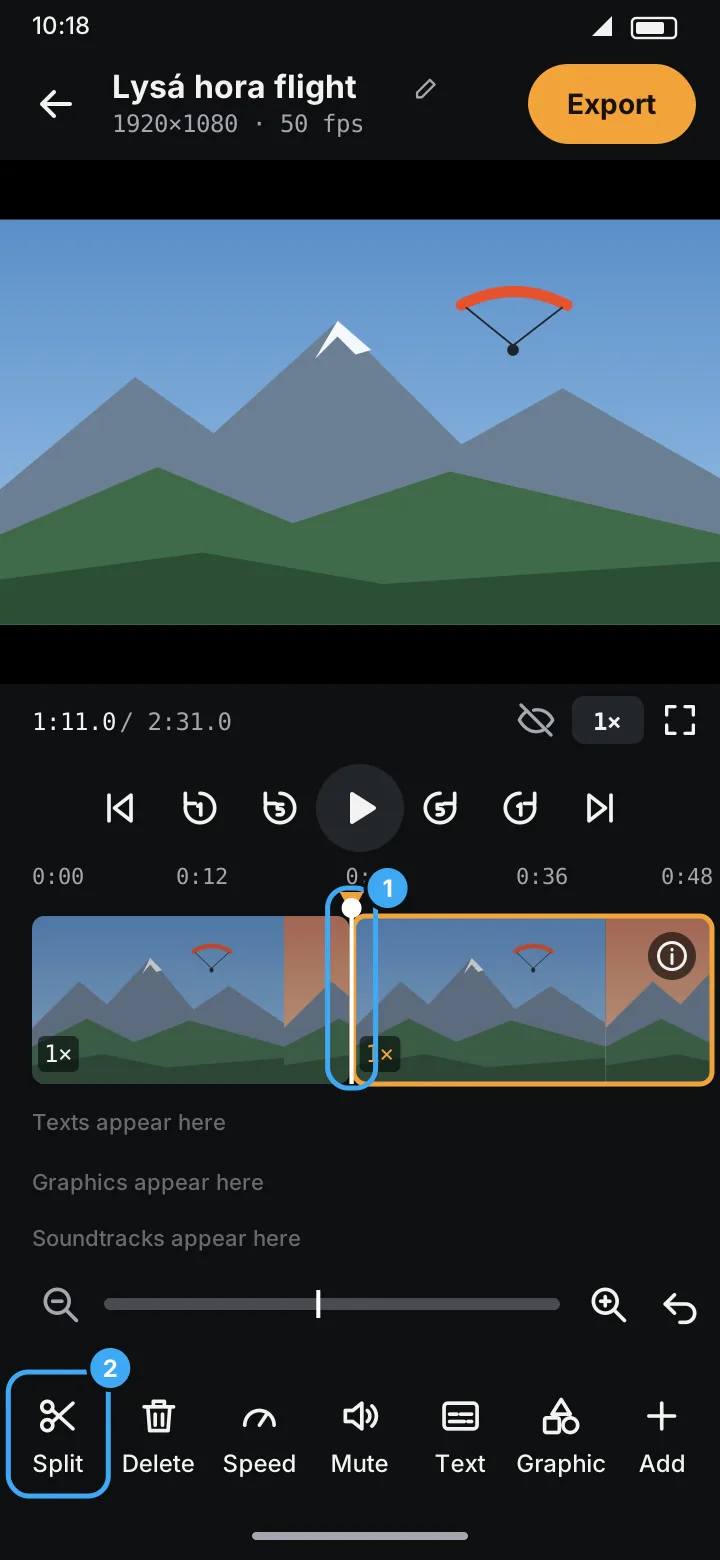
Split
- Move the playhead to where the cut should be (tap or drag the timeline, or play and pause). Zoom in for a precise spot.
- Tap ✂ Split (marker 2).
An orange marker appears at the playhead (marker 1) and the segment becomes two. Split as often as you like, for example around every part you want to keep.
Move a split
Drag the orange marker left or right. The segments on both sides change length.
Remove a split
Long-press the orange marker. The two segments merge back into one. The merged segment takes the speed of the one on the left.
Typical flow for a flight: split at take-off, at the start of the interesting part, at its end and at landing. Then delete or speed up the parts in between.